Category: *Mark Crowe Diary Entries

  • Behind the scenes on the Facebox design

    Hi Gang-

    Heres a peek behind the scenes of a short animated sequence I needed in the game.

    In our story, Centari Corp produces a VR game console called the ‘Facebox’. From the beginning, the concept for this Facebox appliance was to have a sleek appearance but with something sinister about it under the hood. To reinforce the sinister aspect, we wanted to show Faceboxes being mass produced on an assembly line. The point was to reveal their menacing skeletal innards being encased in a more user-friendly outer shell. The video reveals a little bit of how the effect was achieved.

    We used 2D pre-rendered artwork (as with the rest of the game) but mapped it onto simple 2.5D shapes to enhance the illusion of depth. I wanted the outer shell to look like it was actually being 3D printed over the skeleton. To achieve that effect we used a nifty ‘invisible mask’ shader on a flat quad that hides the 3D shell mesh from the camera. But as we animate the invisible mask shape downward, it exposes the shell mesh as it passes through it. Hopefully what I’m trying to describe is more clear in the video.

    I really had a good time putting this little sequence together for the game and just figuring out how to make it work was a fun challenge. Kinda like solving an adventure game puzzle. 🙂

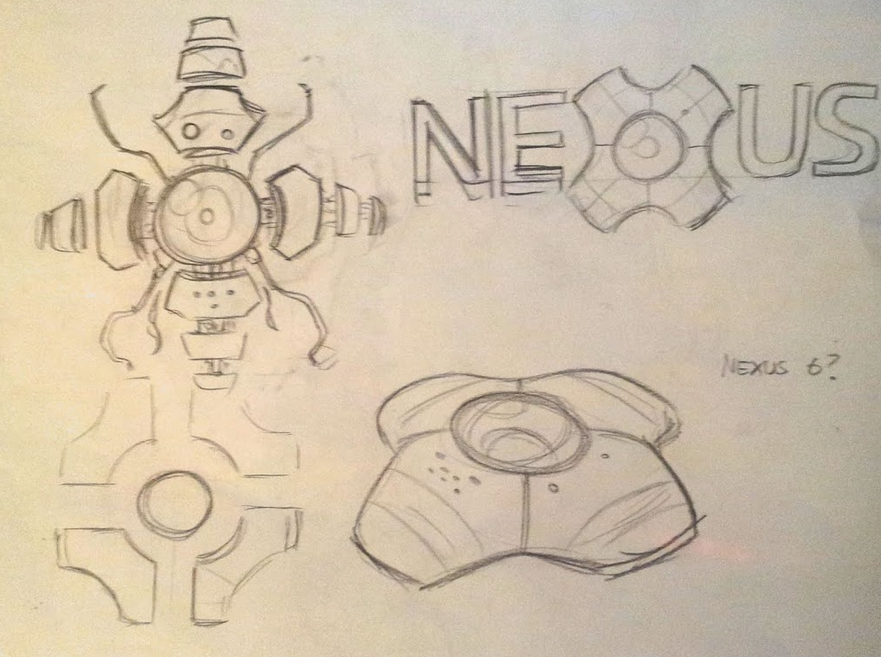
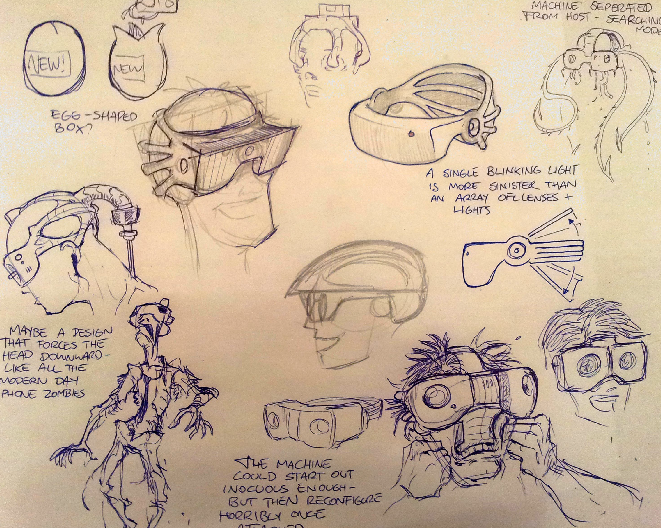
    As an added treat, here is some early concepts from artist Brent Forest (and yours truly) showing the evolution of the Facebox appliance.
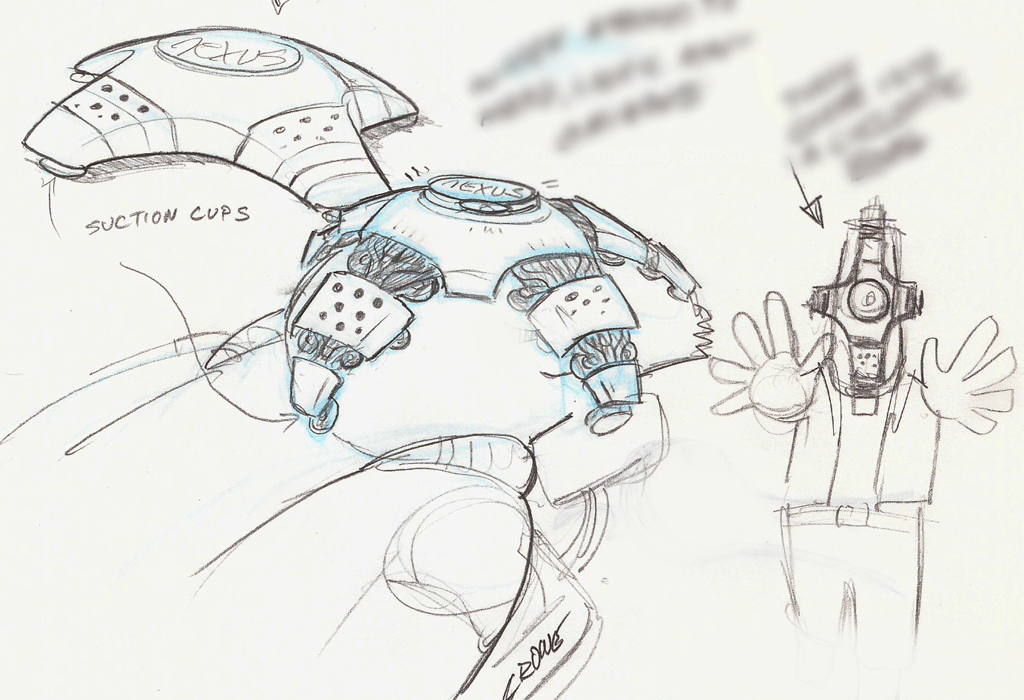
    My initial concept

    Brents awesome sketches. Very disturbing. Brent captured the menace perfectly. But who in their right mind would wilfully strap one those to their face, right? So we dialed it back. But then reintroduced the alien-like menace by showing the inner workings of the Facebox in the assembly line sequence.
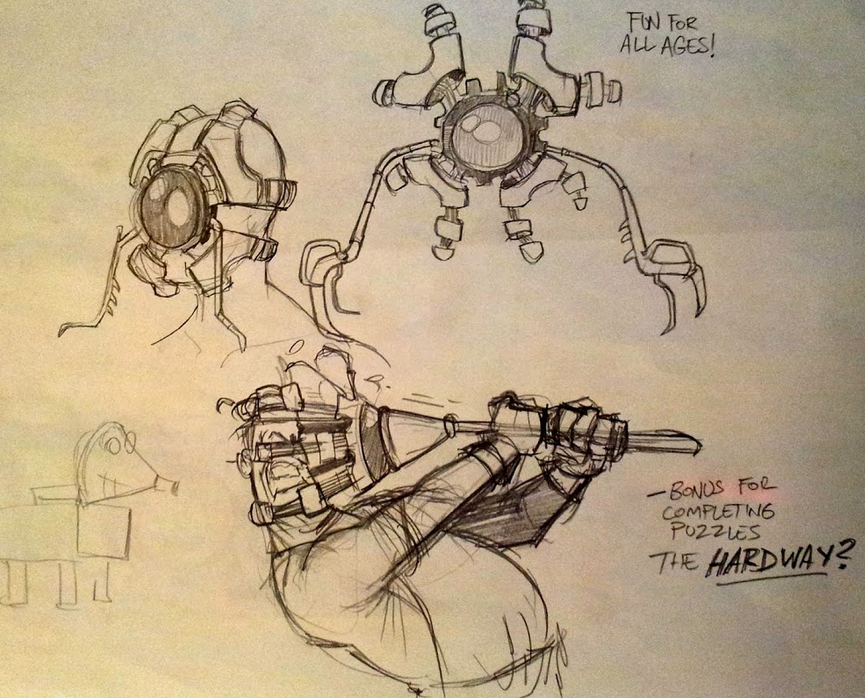
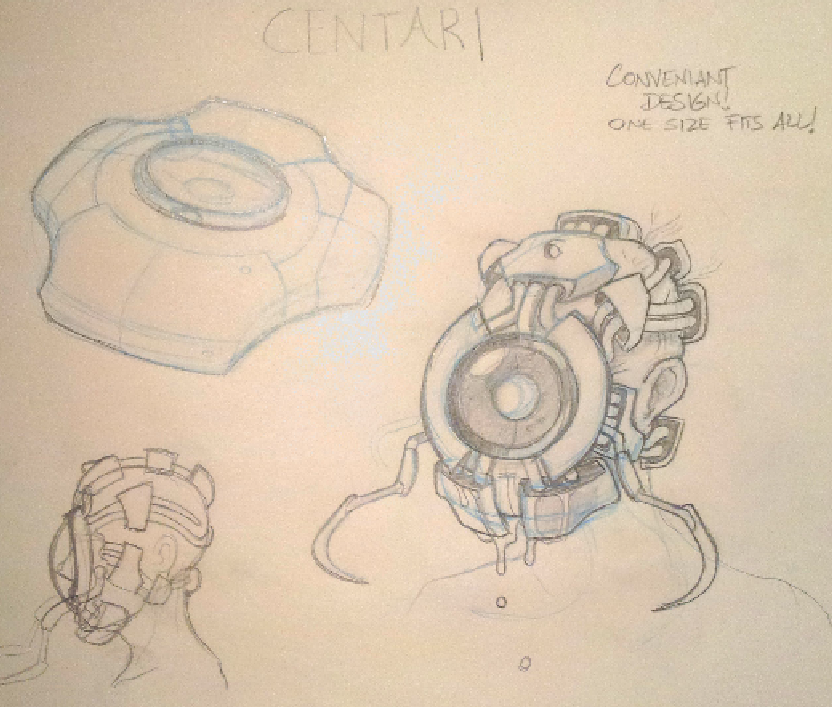
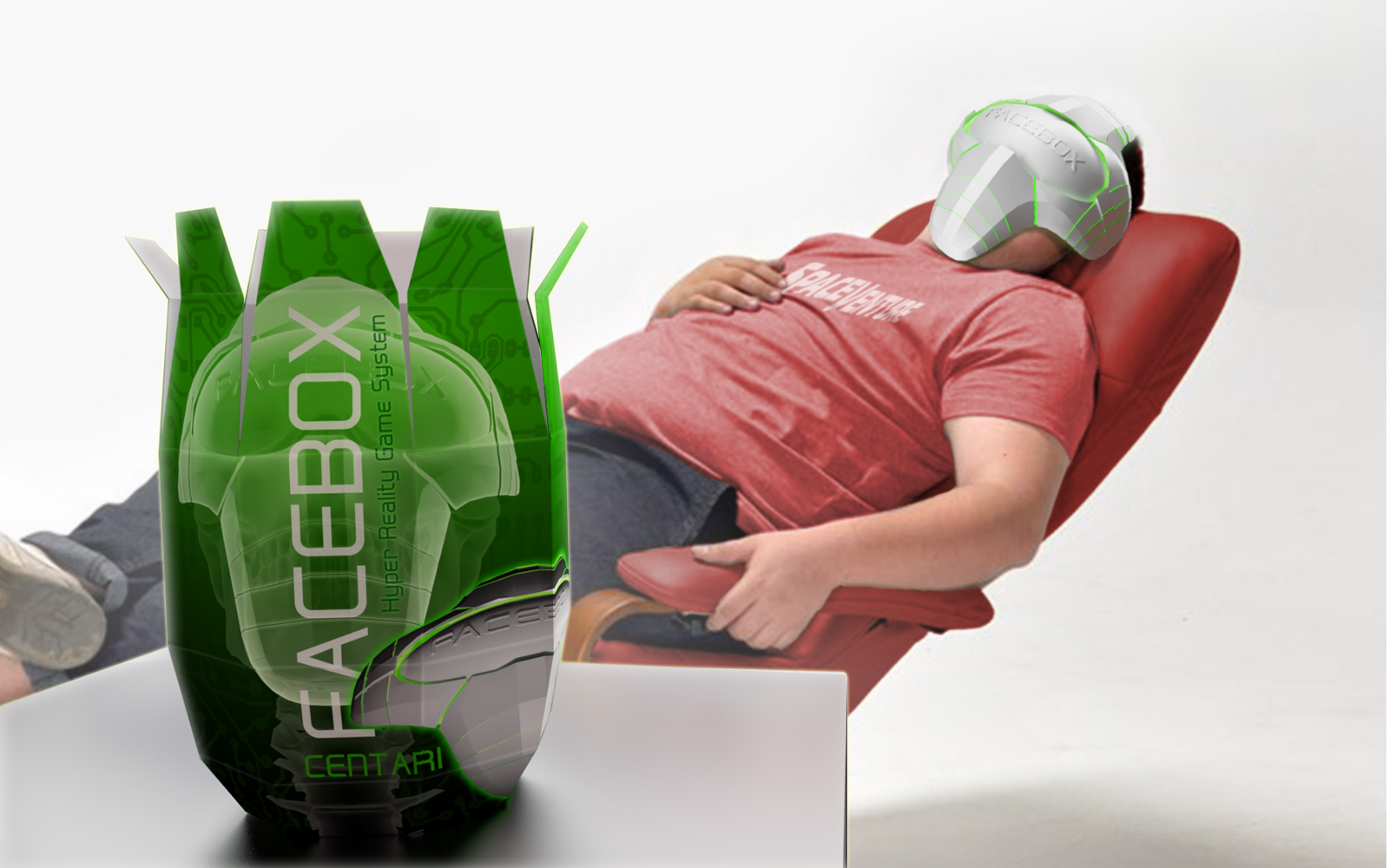
    Image from a April fools Press release we did in 2016
  • Discussing music for SpaceVenture

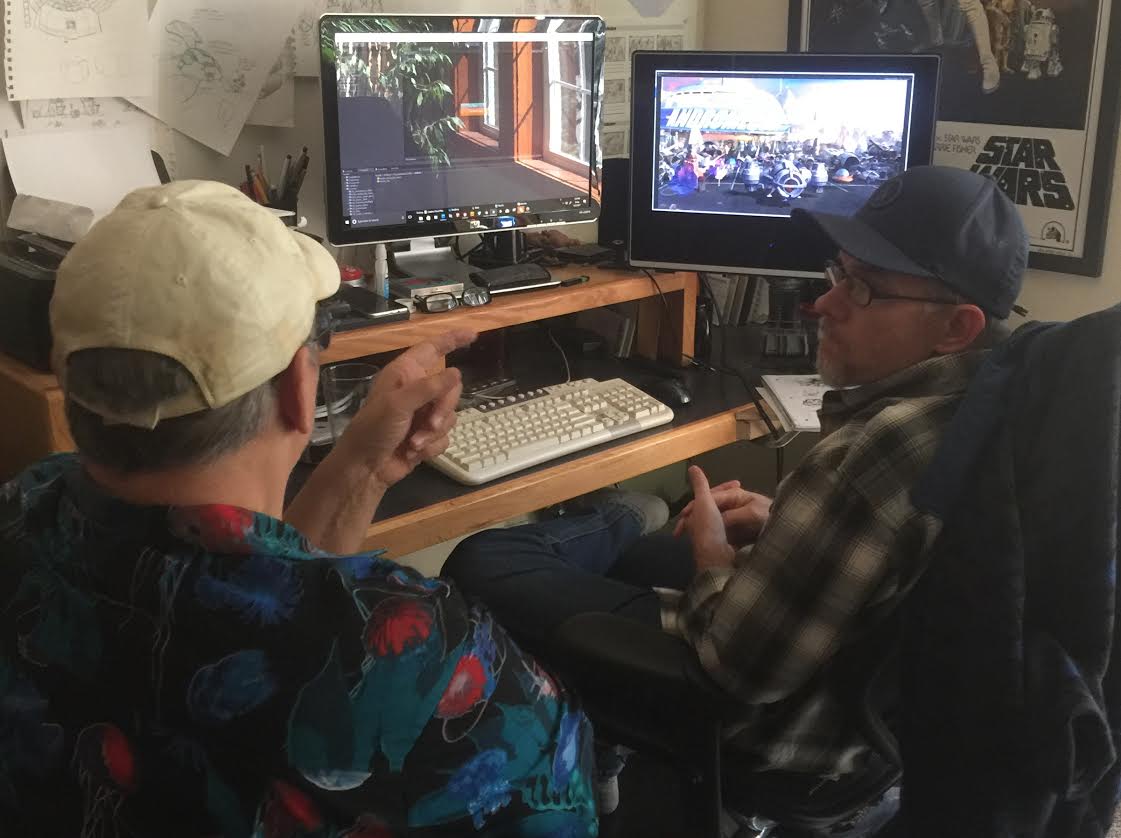
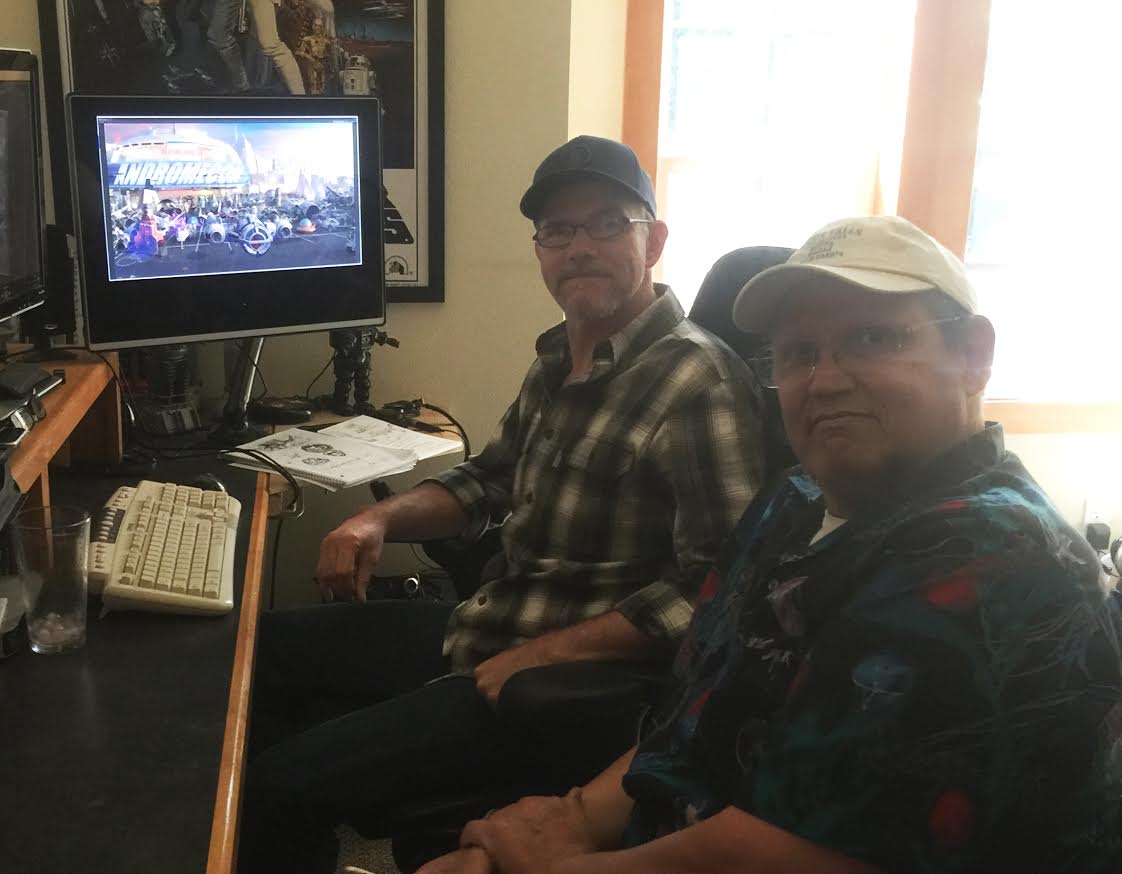
    Hey Gang, I meant to include this post with the recent update. Several weeks back I had the pleasure of meeting up with Mr. Ken Allen who dropped by the Crowe’s nest while he was in the area on business. We went over music and audio needs for a couple of scenes and grabbed some pizza together. (Sorry there was no Pizza Factory within a 200 mile radius, Ken).

    Ken’s based in Vegas, which explains is why he looks like he just got back from hauling marlins down in Cabo while I’m rockin’ the flannel in my chilly workspace.

    -Mark

  • The Space Dome in all it’s 2.5D glory!

    Howdy All!
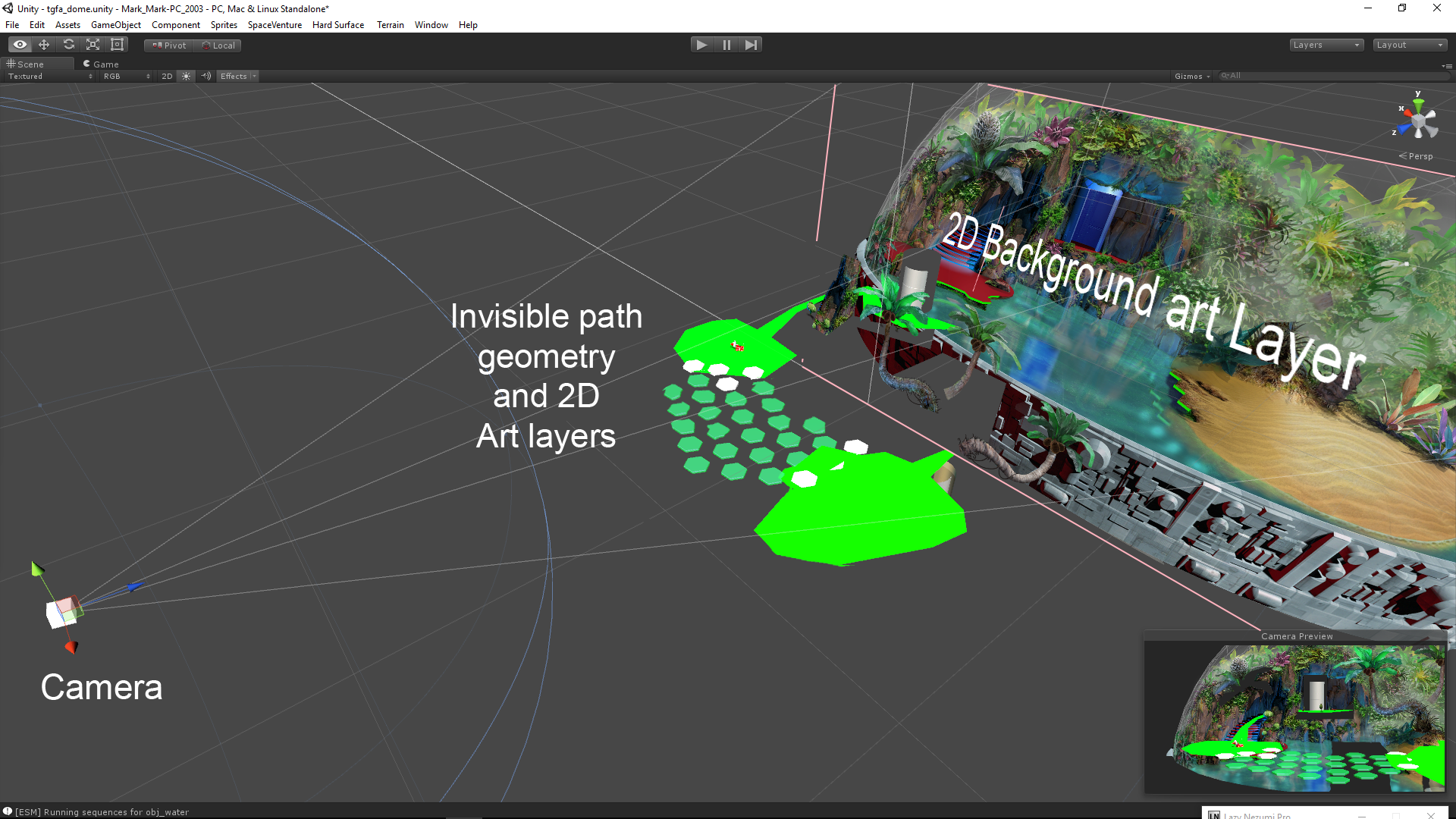
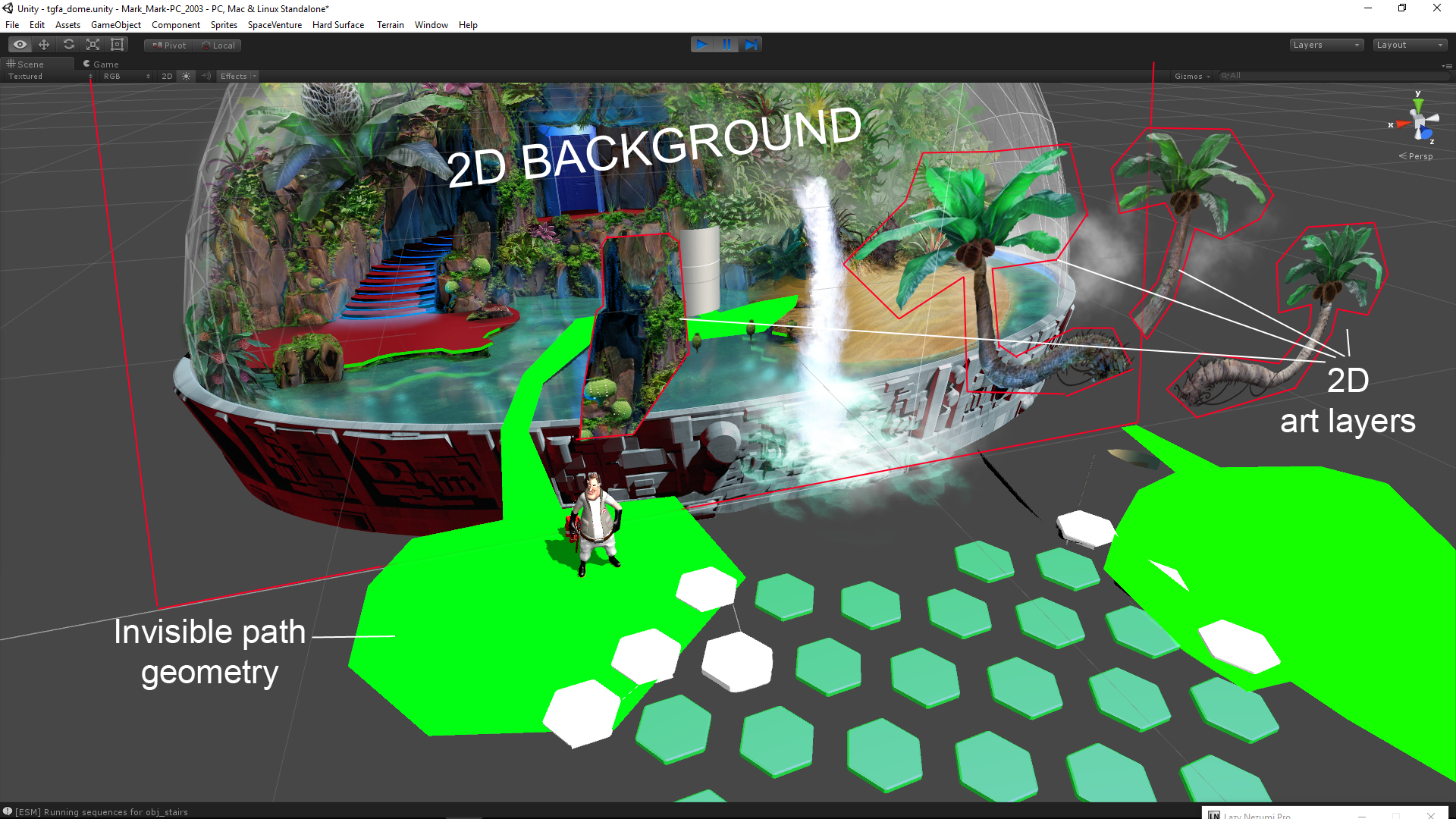
    I thought some of you might find it interesting to take a peek behind the curtain to see how our ‘2.5D’ scenes are set up in Unity. I put together a couple images of the new Dome scene showing the various components that allow our 3D Characters to walk around and interact with a 2D background.

    The process starts with creating 3d path geometry that perfectly aligns with the 2D background art from the Camera’s POV. This path geometry is the physical ground that the 3D characters walk around on in 3D space.

    The next step is creating polygonal ‘mask’ shapes that occlude the characters depending on where they are in 3D space, e.g., behind the rock or in front of it. The mask polygons are created by tracing the outline of objects in the 2D background art (rock, tree, etc) then positioning the polygons in 3D space, in front of the camera,and visually aligned with the background art. An ‘InvisibleMask’ material applied to these mask shapes occlude (hide) the 3d characters when they walk behind them while allowing the background art to show through- effectively acting as an ‘invisiblity cloak’ to the 3d character.

    Lastly, we add a bunch of invisible 3D boxs with collider scripts for each and every interactive element represented in the 2D background artwork. These serve a couple purposes: Mainly, they are for detecting your mouse clickity-clicks within the scene. But they also serve as ‘LookAt’ and “WalkTo” targets for the characters. So when you the Player clicks on a item of interest, Ace turns to face that object in 3D space and/or walks to that location.

    I hope this look at the technical side of scene creation was of interest.

    Cheers!

    -Mark

  • Chill everyone!

    Enjoy a frosty treat from Ace’s corner of the Universe. Drink responsibly!

  • Eat your heart out Michael Bay!

    Move over Autobots… a new transformer is here to save the day.

    Kudos to 3D Artist/Animator Michael Penny

    [jwplayer config=”Custom Player” mediaid=”392″]

  • Character development

    The following images give some idea of the evolution of a character concept. Artist Brent Forrest provided a couple different takes for a character called Nurbs, who is one of Ace’s pals in the story. I did a quick clay sculpt of my interpretation and Brent refined the character further based on the sculpt. Coming up with crazy alien characters is one of the most fun parts for me and it’s been a blast working closely with such a talented character artist as Brent.

    image4
    image6
    image3
    image5

  • This corridor has Ace seeing red

    Here’s another corridor section within one of the ships Ace explores in SpaceVenture.The scene details have not been added yet but it’s up and running. Progress… Wahhoo! 🙂 -Mark

    image2

  • Did someone call for a Life Support System technician?

    Here’s a work-in-progress for one the many background scenes in the game.

    image1

  • What the heck’s going on here?

    Hey all! Sorry for the update dry spell. here’s a teaser glimpse of a big set piece that has already evolved quite a bit since this initial concept sketch. Still, I’ve blurred out the details so we don’t ruin the puzzles for you. More stuff to come. Cheers! -Mark

    Hidden Message Alert: [BUY AN ACE HARDWAY TSHIRT FROM OUR WEBSITE! THEY’RE AWESOME! www.guysfromandromeda.com/store/]